Training workshop template
Run a workshop or onboarding session: goals, how it works, a practice exercise and takeaways.
Every slide in this template
- 1. Giving useful feedback
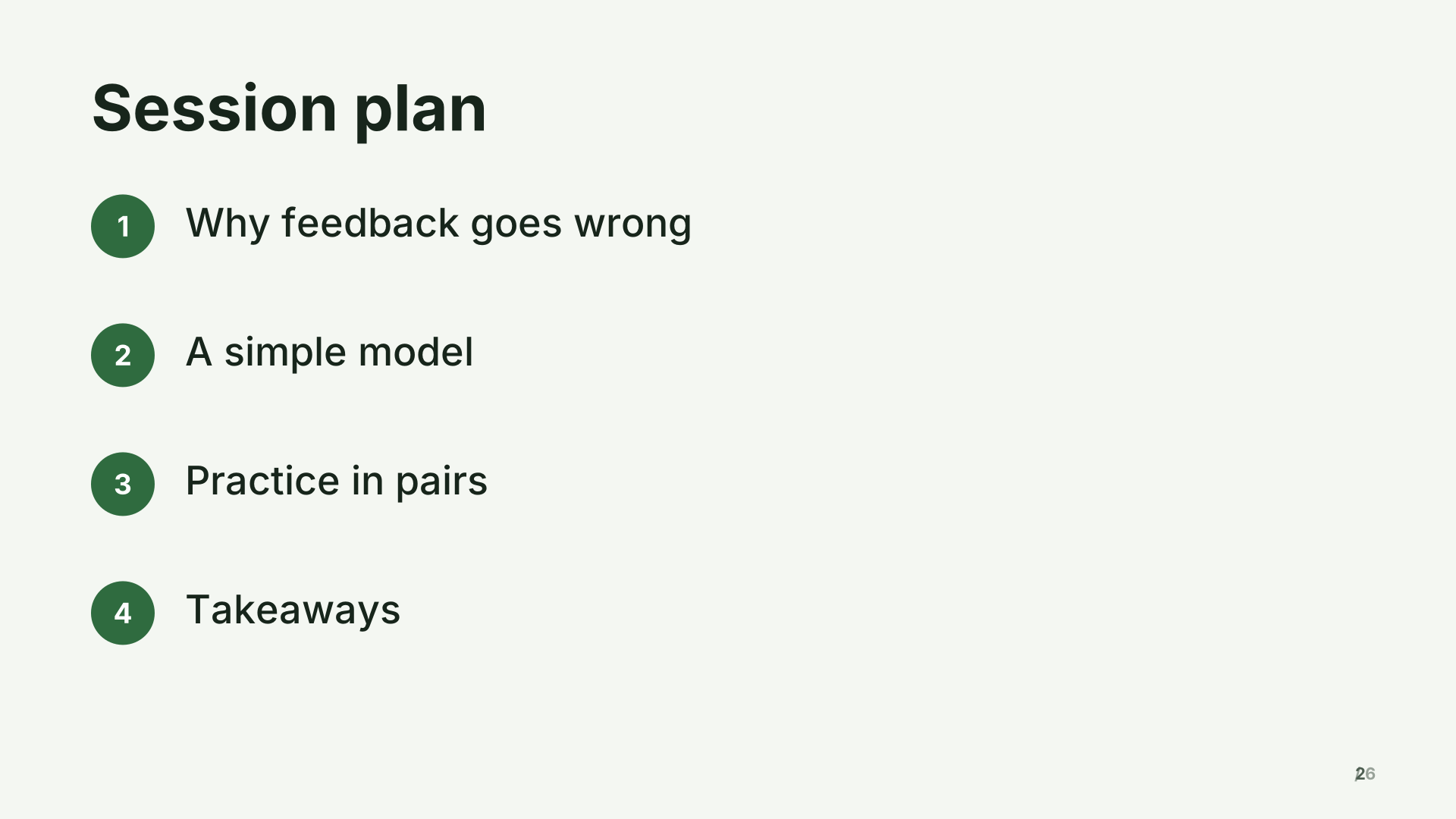 2. Session plan
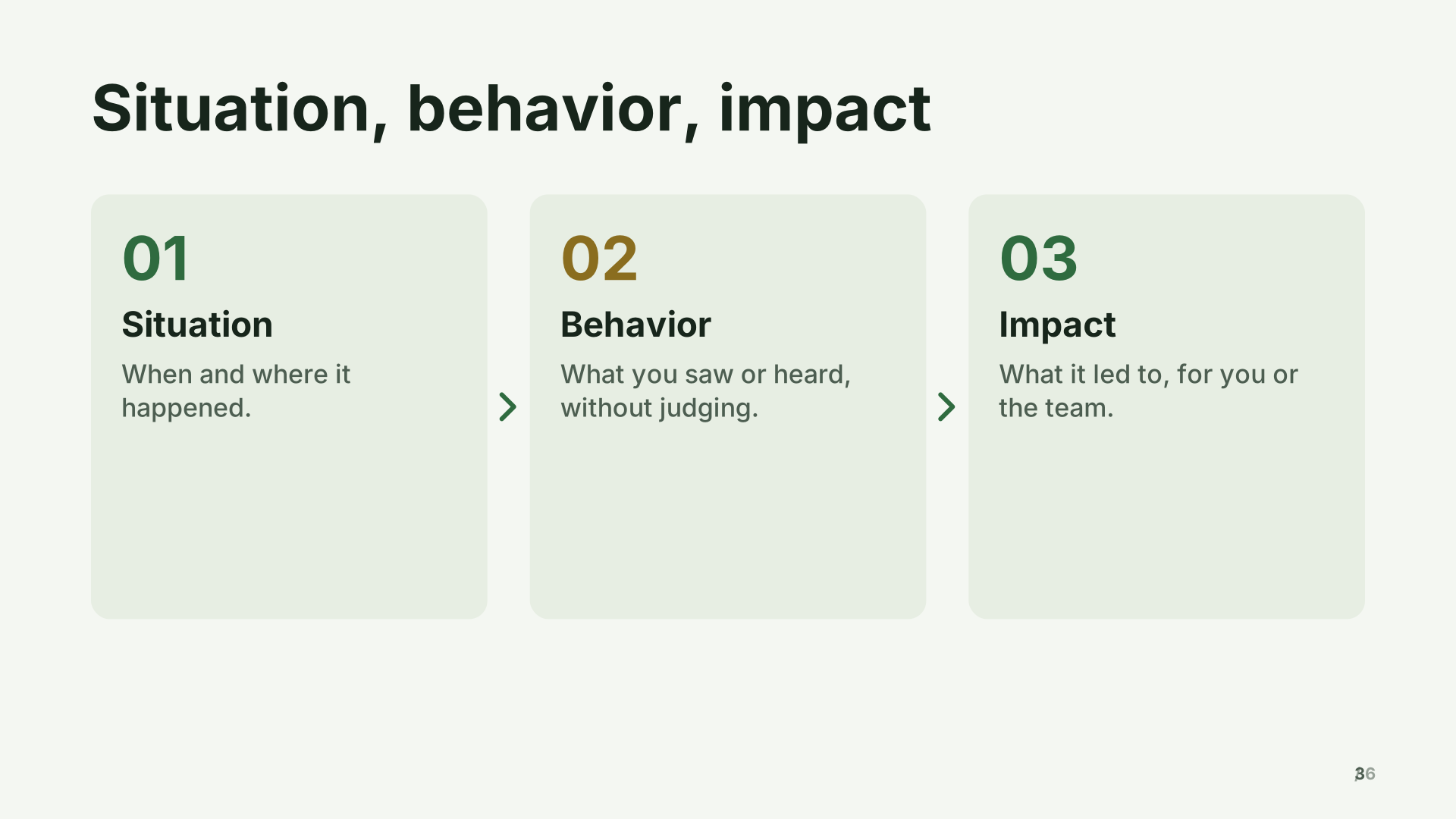 3. Situation, behavior, impact
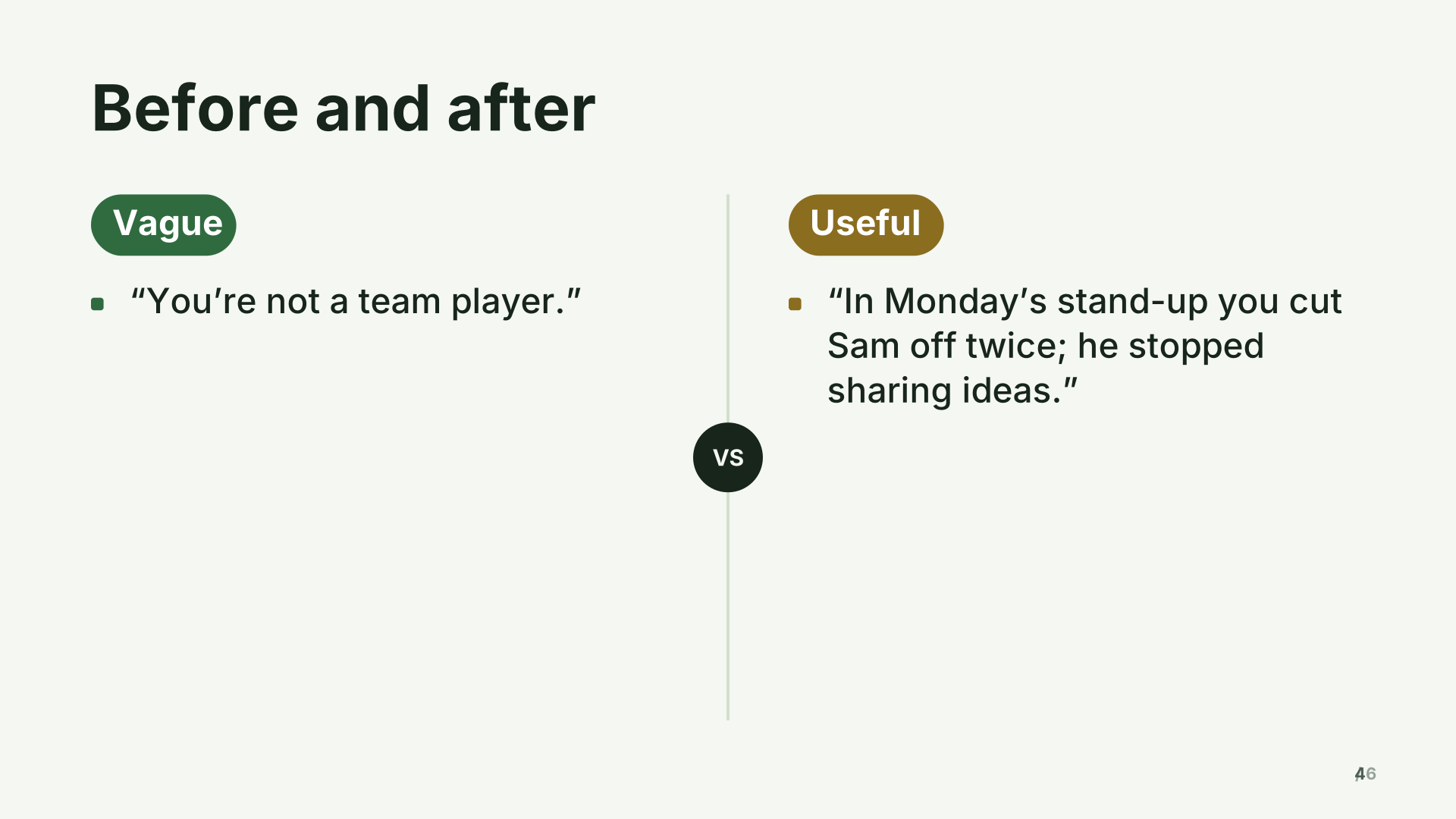 4. Before and after
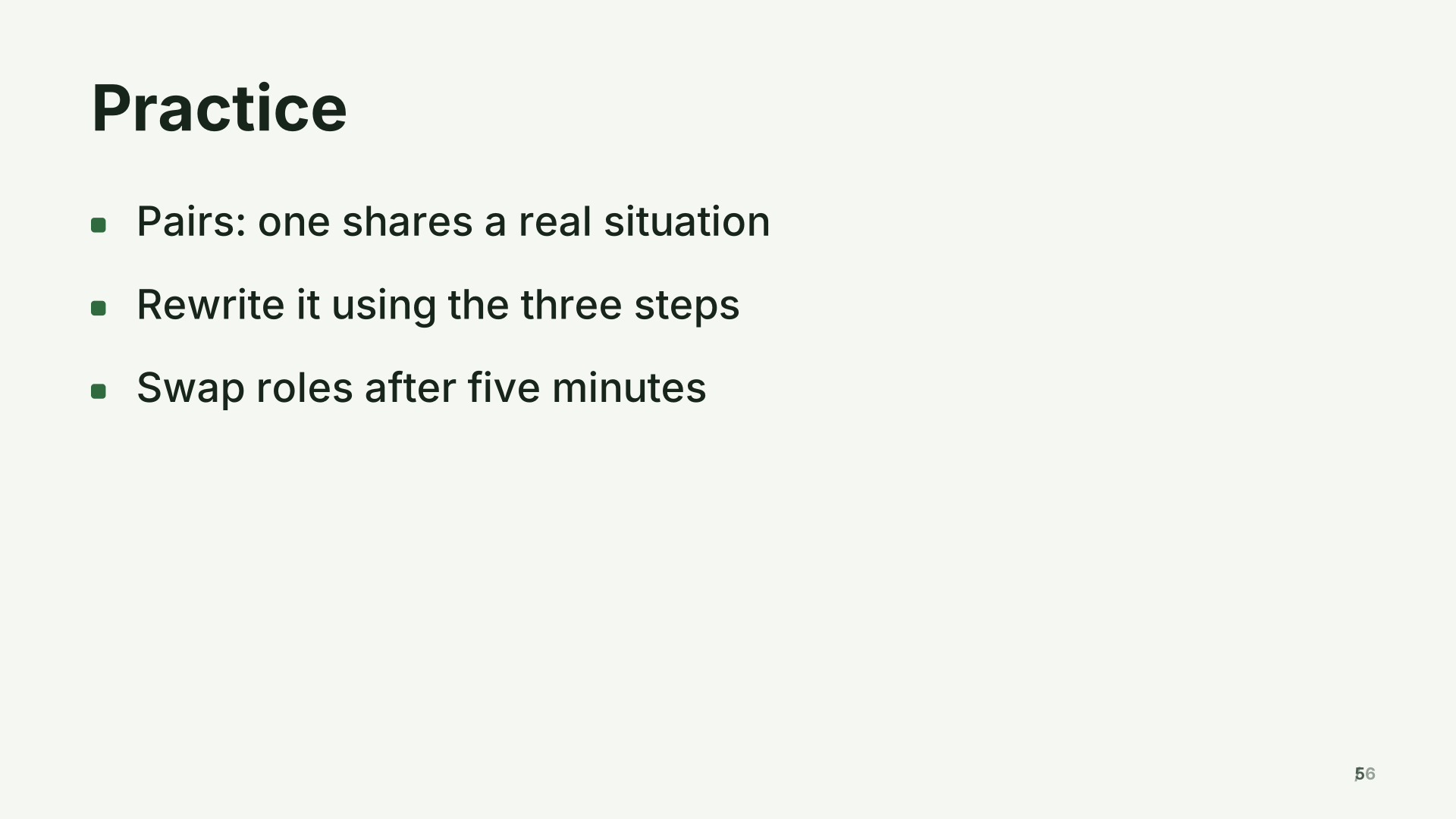 5. Practice
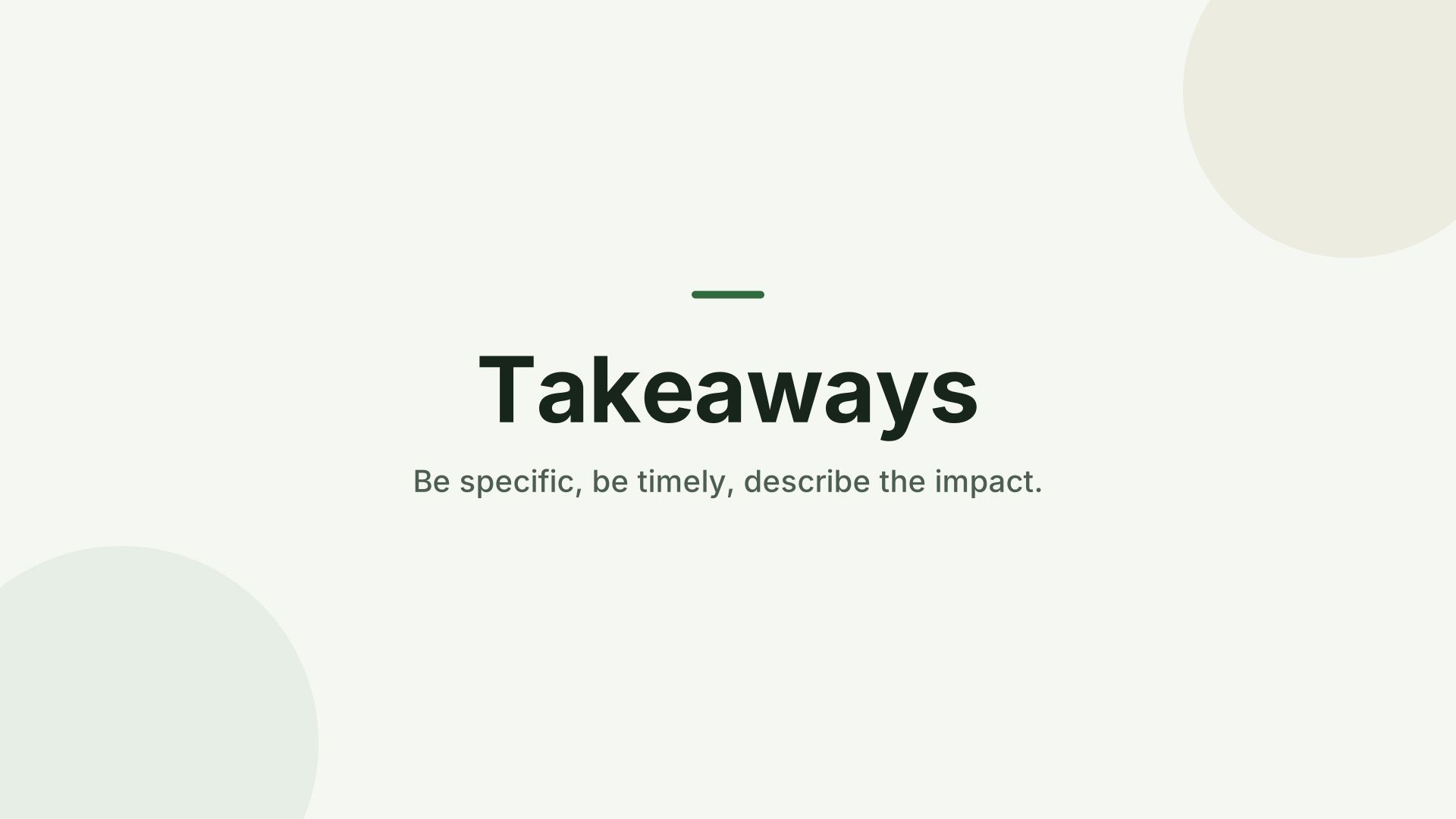 6. Takeaways
What’s inside
6 slides in the Forest theme, each with speaker notes. Example names and figures are placeholders: replace them with your own.
- Giving useful feedback Title
- Session plan Agenda
- Situation, behavior, impact Process
- Before and after Comparison
- Practice Bullets
- Takeaways Closing
When to use it
For a workshop, onboarding session or lunch-and-learn where people should leave able to do something new, not just know about it. The example teaches a feedback model, but the structure (goals, the method, a before-and-after, practice, takeaways) works for most soft skills and many software trainings.
Making it yours, slide by slide
- Title. The skill, said as an outcome: “Giving useful feedback”, not “Feedback training”.
- Session plan. The agenda with rough timings, so people know when the practice and the break come.
- The method. Three or four steps people can remember. If your method has an acronym, give each letter its own step.
- Before and after. A real example of the skill done badly and done well, side by side. This is often the slide people remember.
- Practice. The instructions for the exercise: pairs or groups, how long, what to produce. Leave this slide on screen while people work.
- Takeaways. Three things to do this week.
Common mistakes
- Talking for 40 minutes and leaving 5 for practice. Aim for at least a third of the time on practice.
- Abstract examples. Use situations from your own workplace.
- No follow-up. Put a link to the slides or a one-page summary on the last slide.
How long it runs
Six slides carry a 45 to 60 minute session because most of the time is discussion and practice. Present it with your phone as the remote so you can walk among the groups.
Two ways to use it
- Edit it directly. Open it in the studio and change the words, pictures and chart values in the side panel.
- Have your AI write your version. Copy the prompt below into ChatGPT, Claude or Gemini, fill in your topic, and paste the answer into the studio. You’ll get the same structure with your content.
Create a training or workshop about: a training workshop about [your topic], following this outline: Giving useful feedback; Session plan; Situation, behavior, impact; Before and after; Practice; Takeaways

Details:
- Audience: a general audience
- Number of slides: 6
- Tone: professional

[…then the reply format and rules the studio reads. The button copies them too.]
What the format and rules part says, and why: the full prompt, explained.
Free to use for school, personal and commercial presentations. Present it full screen for free; with Pro, use your phone as the remote and download it as a PDF.
Questions
How long a session does it suit?
About 45 to 60 minutes, with most of the time spent on discussion and practice.
Can I use it for software training?
Yes. Replace the method slide with the steps of the task, and the before-and-after with screenshots of the old and new way.
How do I collect feedback after the session?
Add a QR code or short link to a feedback form on the takeaways slide, and leave it on screen at the end.
Last updated .