Product launch template
Introduce a new product: the why, what it does, who it is for, pricing and the launch plan.

Every slide in this template
- 1. Introducing Lumen
 2. Light that changes with your day
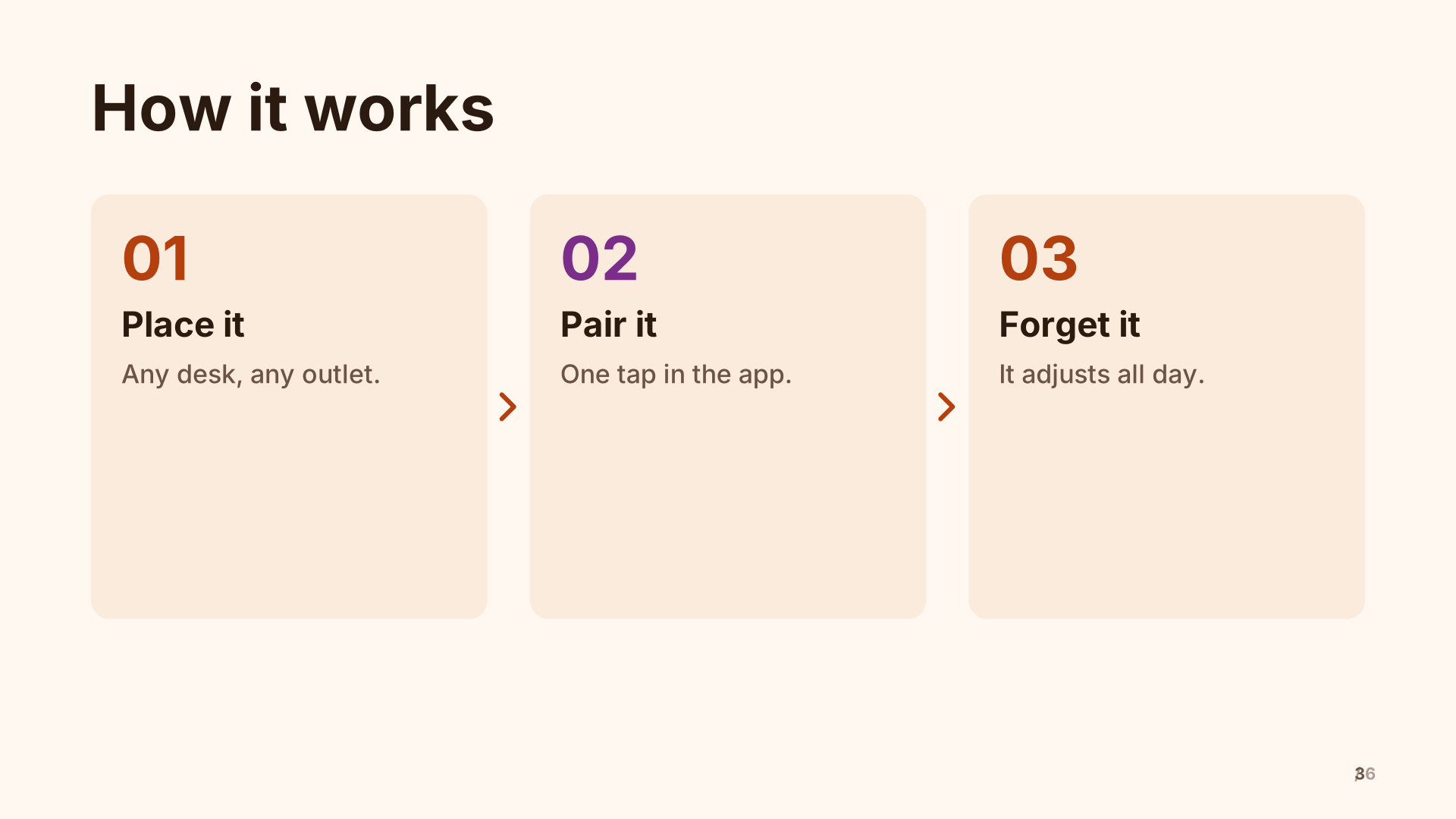 3. How it works
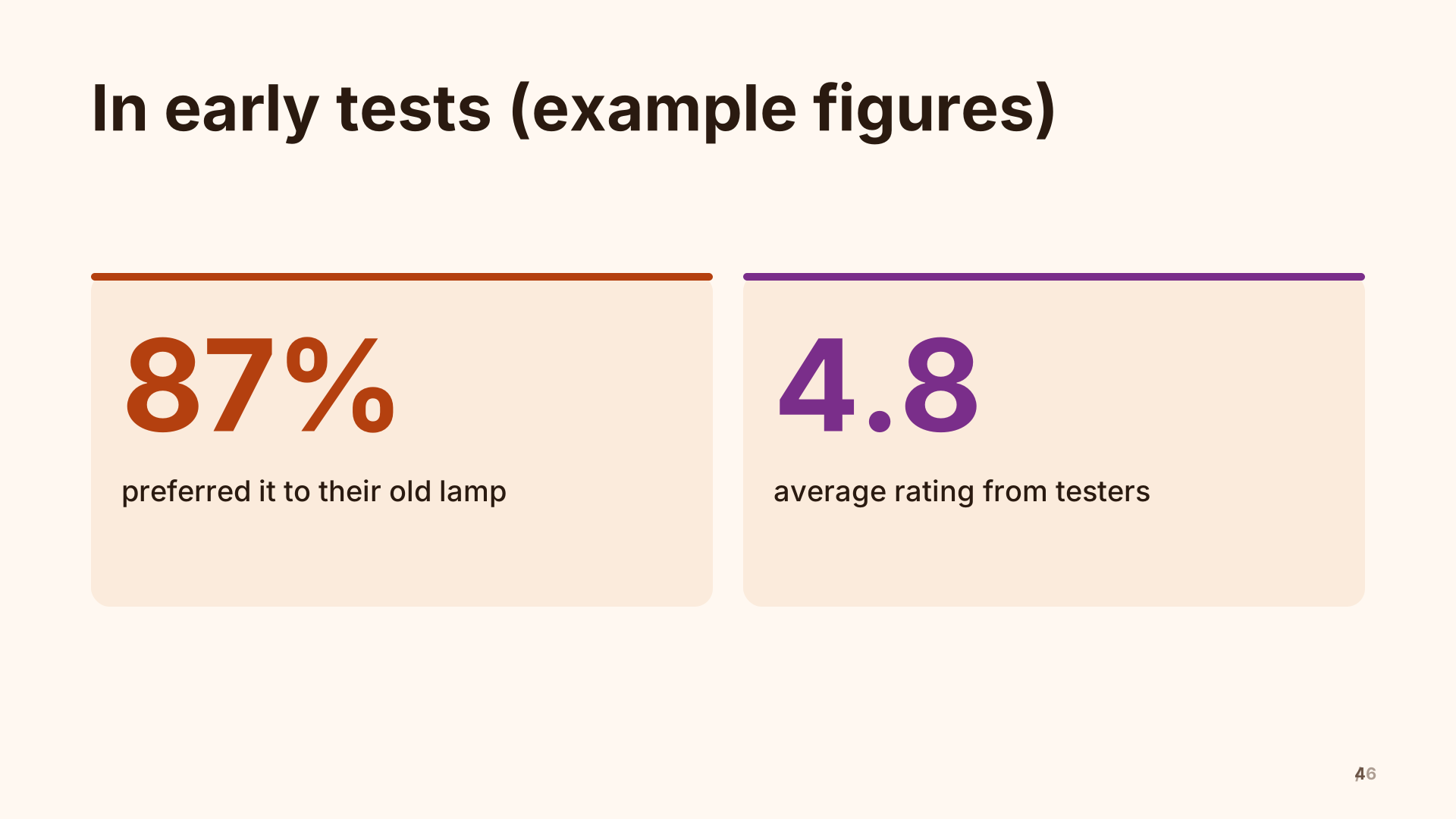 4. In early tests (example figures)
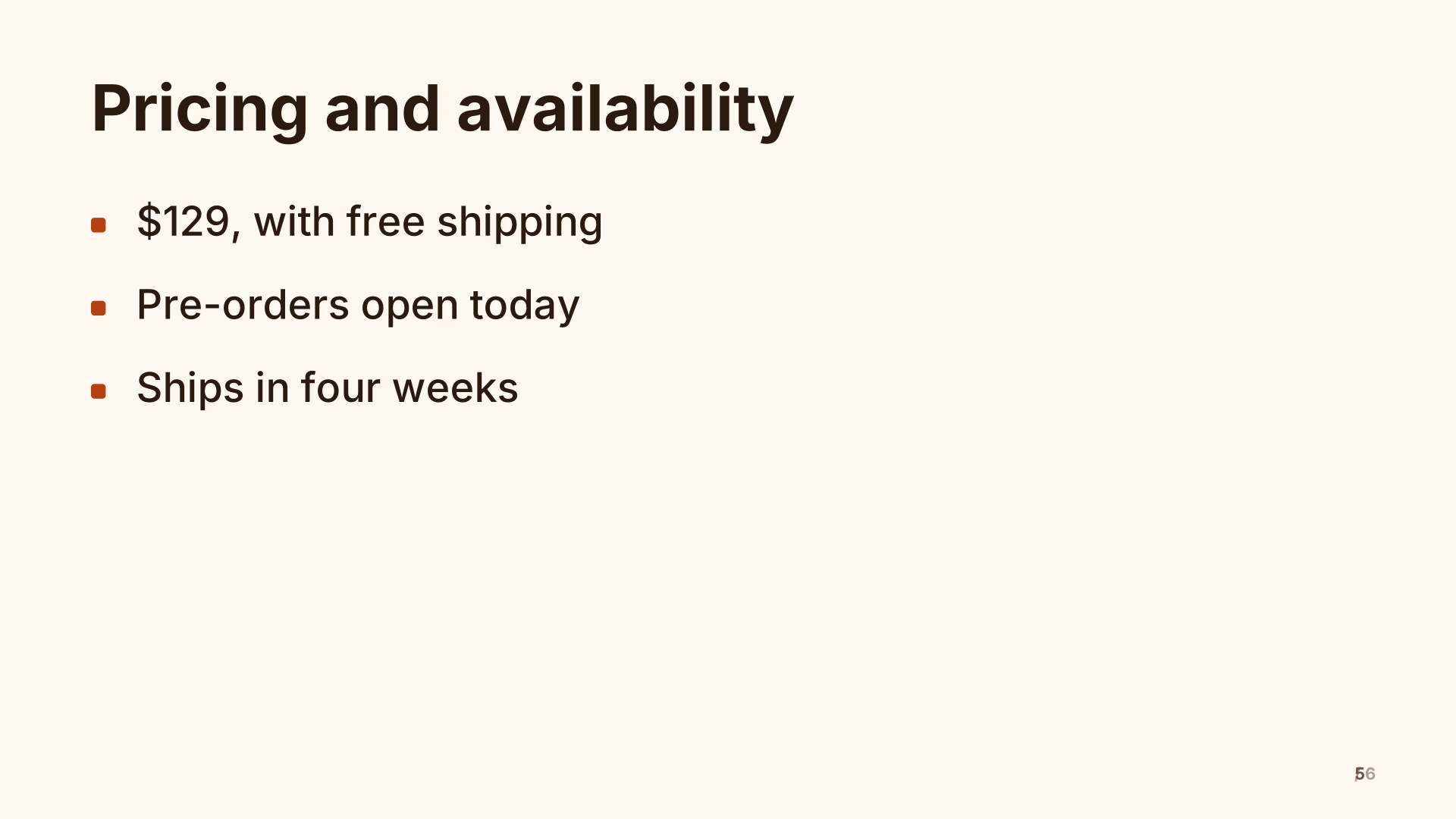 5. Pricing and availability
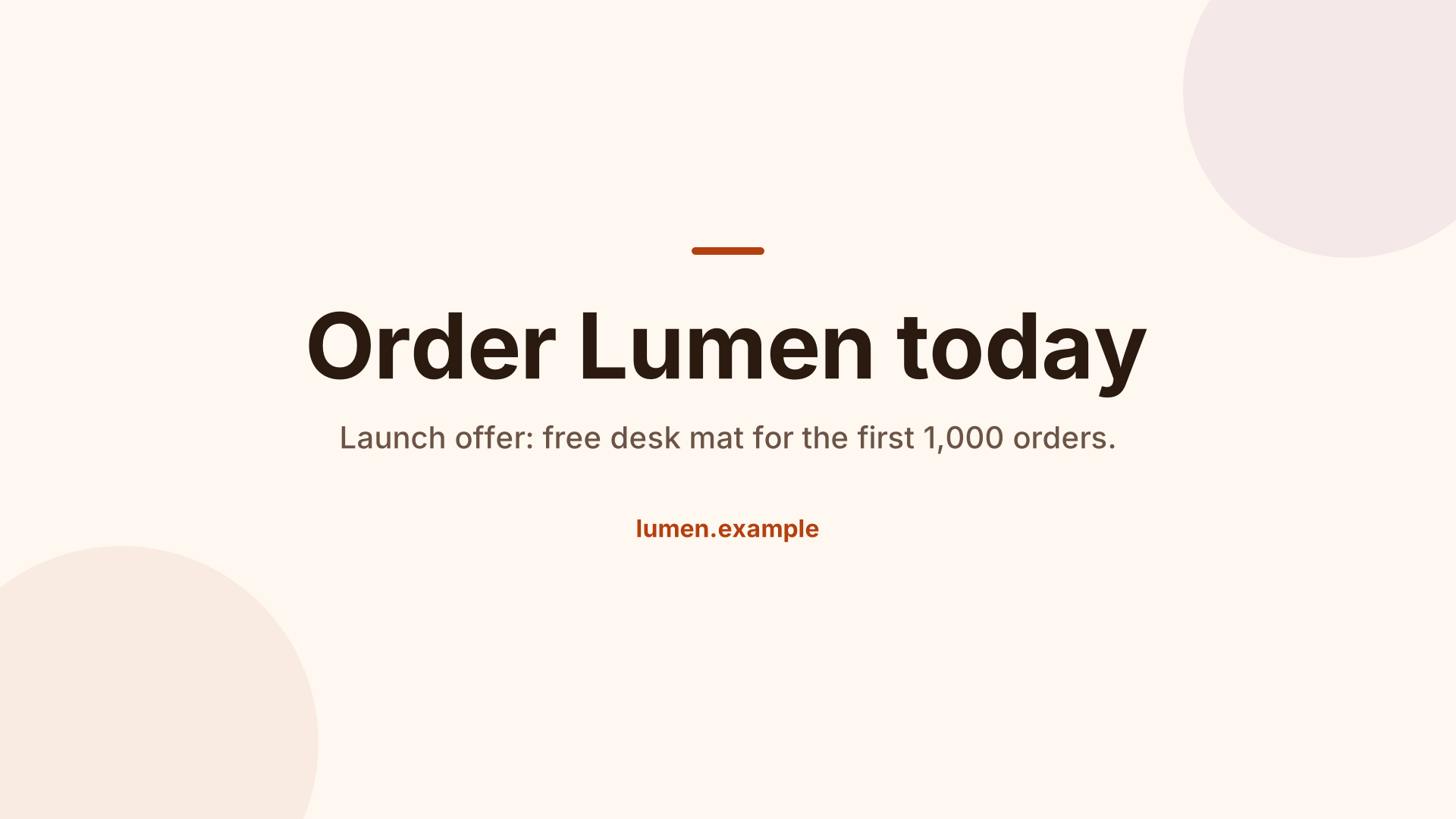 6. Order Lumen today
What’s inside
6 slides in the Sunset theme, each with speaker notes. Example names and figures are placeholders: replace them with your own.
- Introducing Lumen Title
- Light that changes with your day Full image
- How it works Process
- In early tests (example figures) Big numbers
- Pricing and availability Bullets
- Order Lumen today Closing
When to use it
To introduce a new product or feature to customers, press, partners or your own sales team. It moves from the feeling (why this exists) to the facts (how it works, what early users saw, what it costs) and ends with a clear call to action. For an internal launch to sales, add a slide on who to sell it to and how to handle the obvious objection.
Making it yours, slide by slide
- Title. The product name and the one-line promise.
- Full-bleed photo. Your best product shot or a picture of it in use, with a short line over it. This slide sets the tone, so use a real photo rather than a mock-up if you can.
- How it works. Three or four steps from the customer’s point of view: unbox, set up, use.
- Early results. Key figures from beta users or tests. Say how many people and how they were measured; replace the example figures.
- Pricing and availability. Price, where to buy, and the date. People remember a date.
- Call to action. One thing to do now: order, sign up, book a demo, with a short link.
Common mistakes
- A features list instead of a reason to care.
- Claims without numbers or numbers without a source.
- Ending on “Thank you” instead of telling the audience what to do.
How long it runs
Six slides make a tight five-minute launch. For a keynote, add a live demo after “How it works” and one customer story before pricing.
Two ways to use it
- Edit it directly. Open it in the studio and change the words, pictures and chart values in the side panel.
- Have your AI write your version. Copy the prompt below into ChatGPT, Claude or Gemini, fill in your topic, and paste the answer into the studio. You’ll get the same structure with your content.
Create a product launch about: a product launch about [your topic], following this outline: Introducing Lumen; Light that changes with your day; How it works; In early tests (example figures); Pricing and availability; Order Lumen today

Details:
- Audience: a general audience
- Number of slides: 6
- Tone: professional

[…then the reply format and rules the studio reads. The button copies them too.]
What the format and rules part says, and why: the full prompt, explained.
Free to use for school, personal and commercial presentations. Present it full screen for free; with Pro, use your phone as the remote and download it as a PDF.
Questions
Can I use it for a feature launch, not a new product?
Yes. Keep the problem, how it works and the call to action; replace pricing with who gets the feature and when.
What makes a good launch photo?
The product in use by a real person, in good light, with space for the line of text. Avoid busy backgrounds.
Can I present the launch from my phone?
You present from a computer connected to the screen, and with Pro your phone is the remote, so you can walk the stage.
Last updated .