Lesson presentation template
A classroom lesson: objectives, key ideas, a worked example, a quick check and a recap.
Every slide in this template
- 1. The water cycle
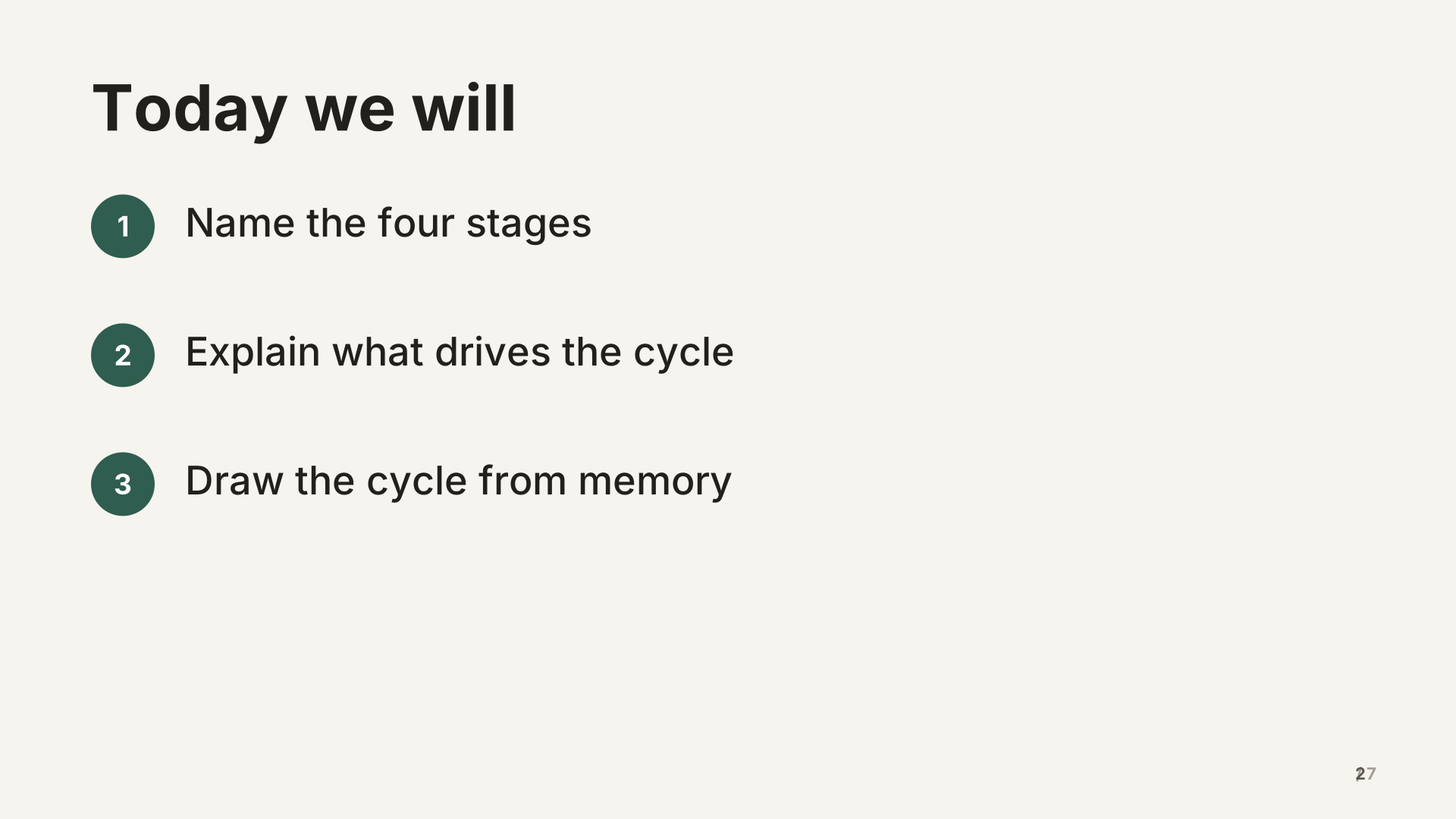 2. Today we will
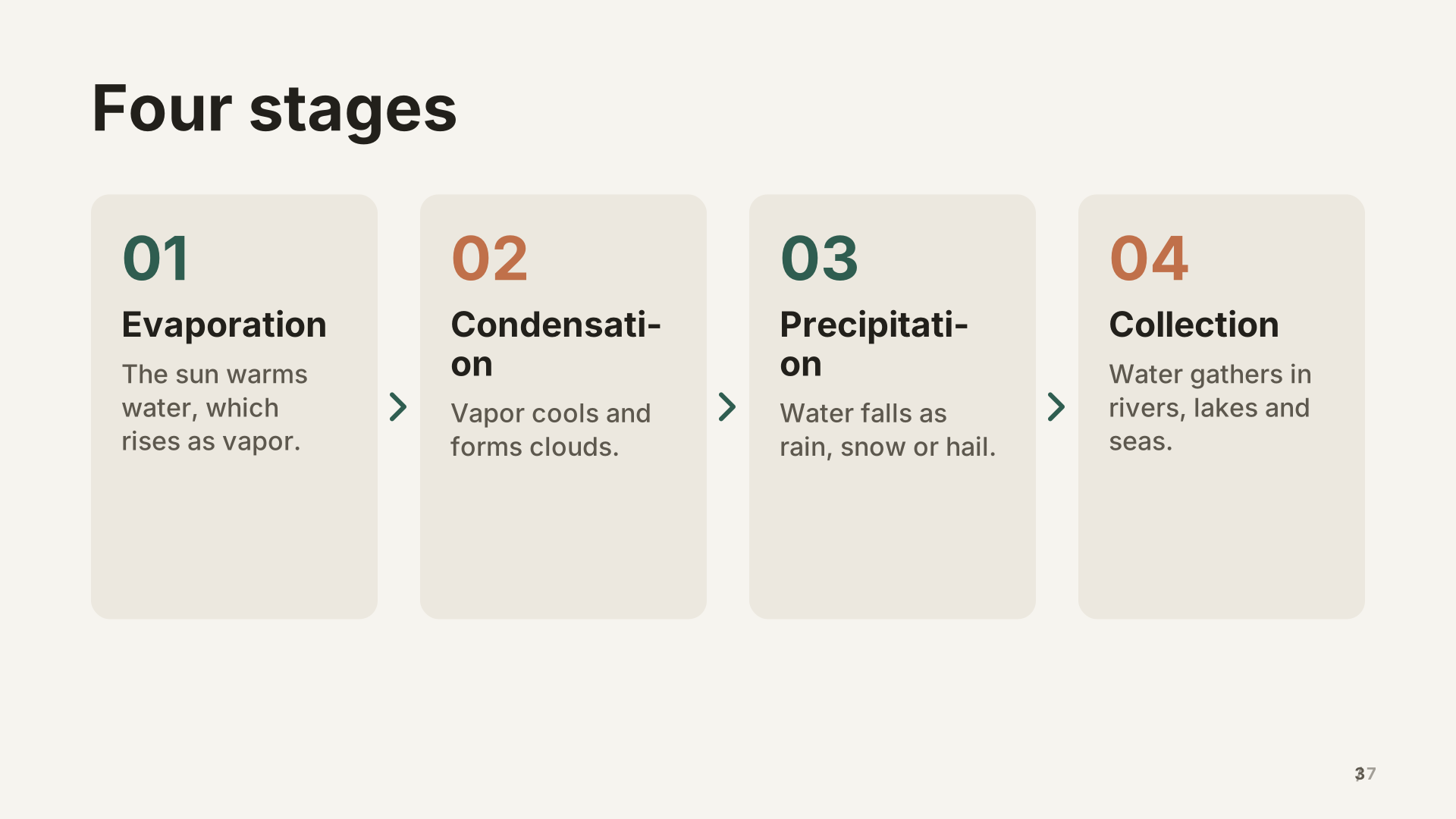 3. Four stages
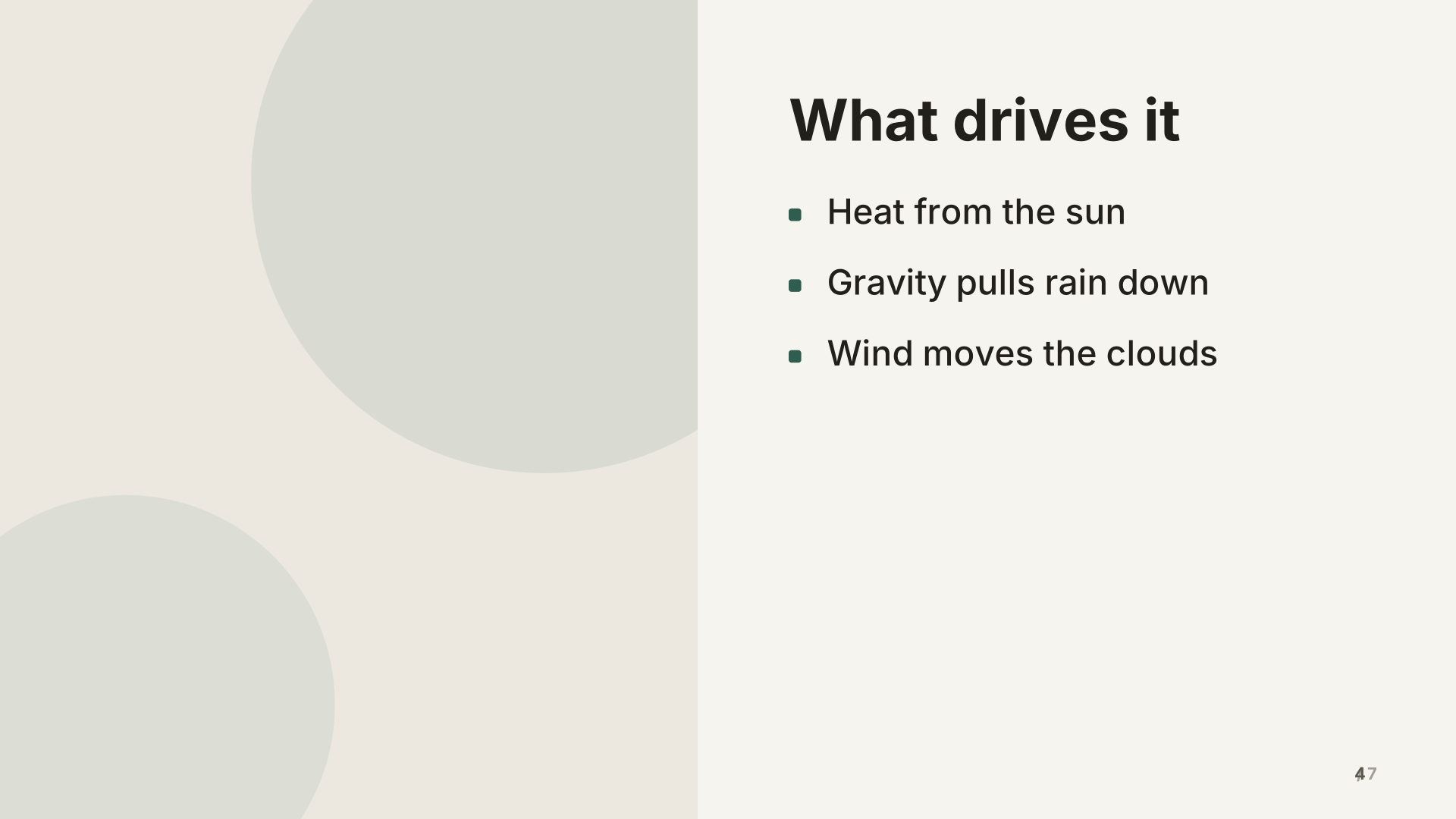 4. What drives it
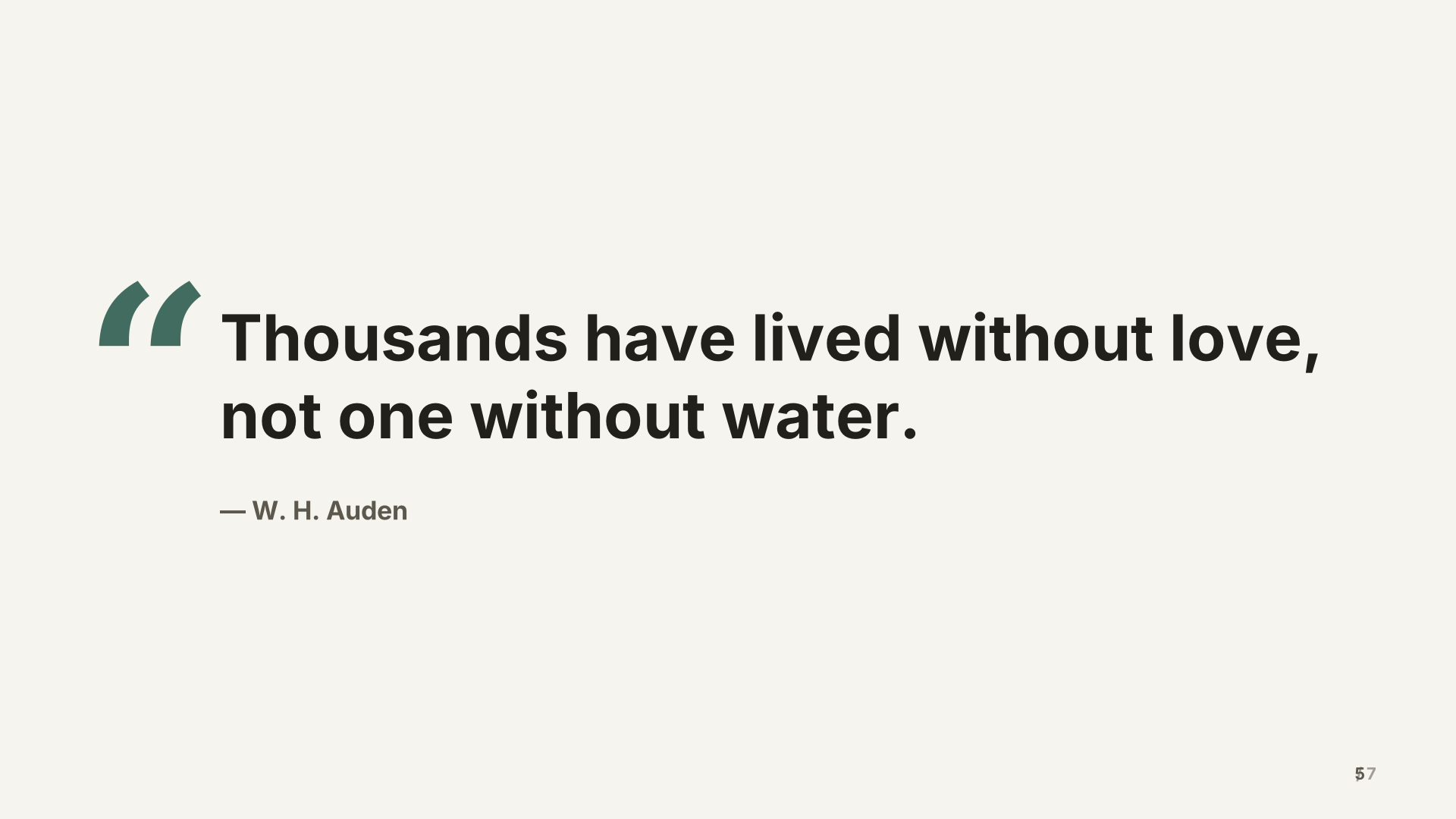 5. Thousands have lived without love, not one without water.
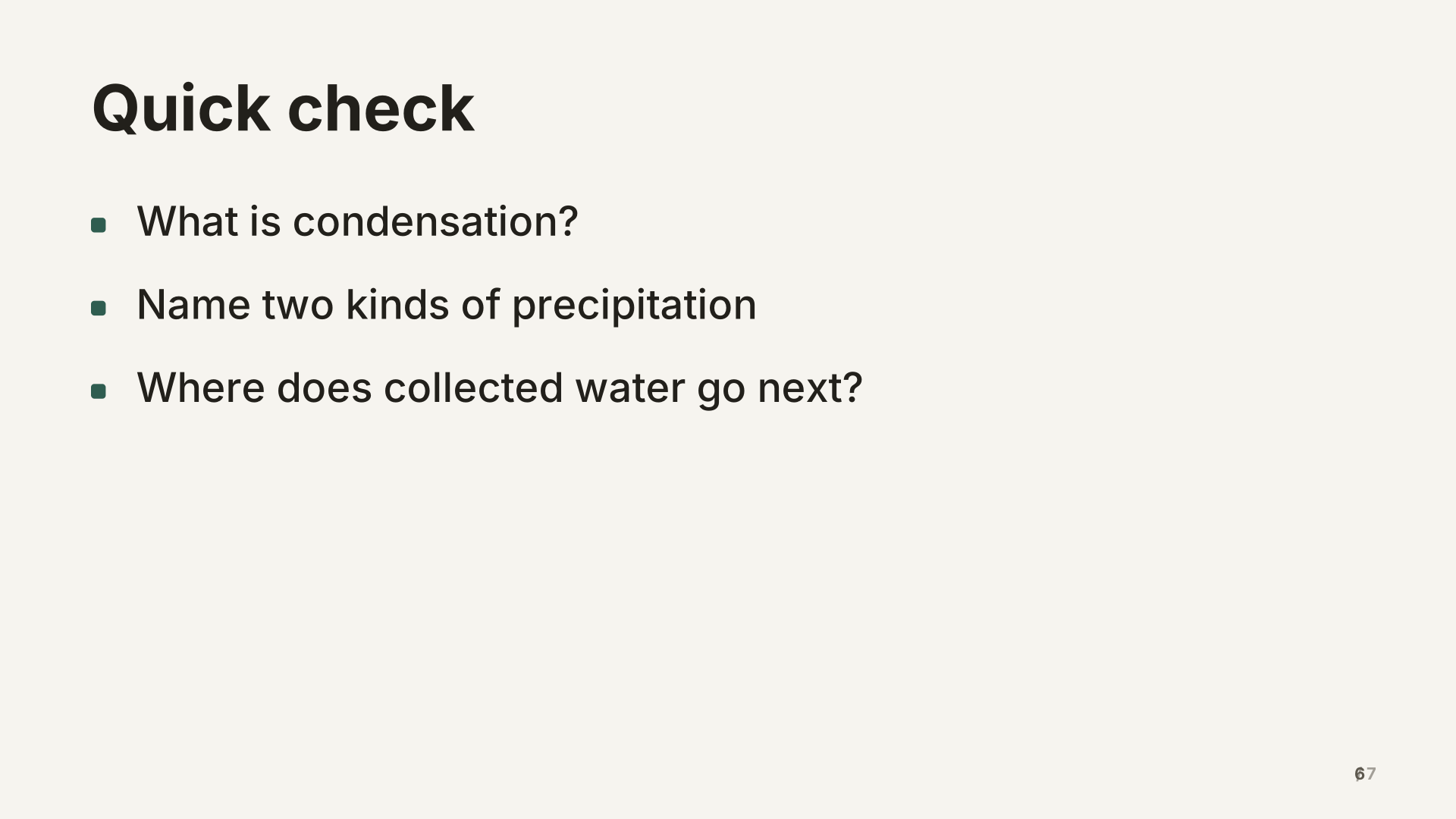 6. Quick check
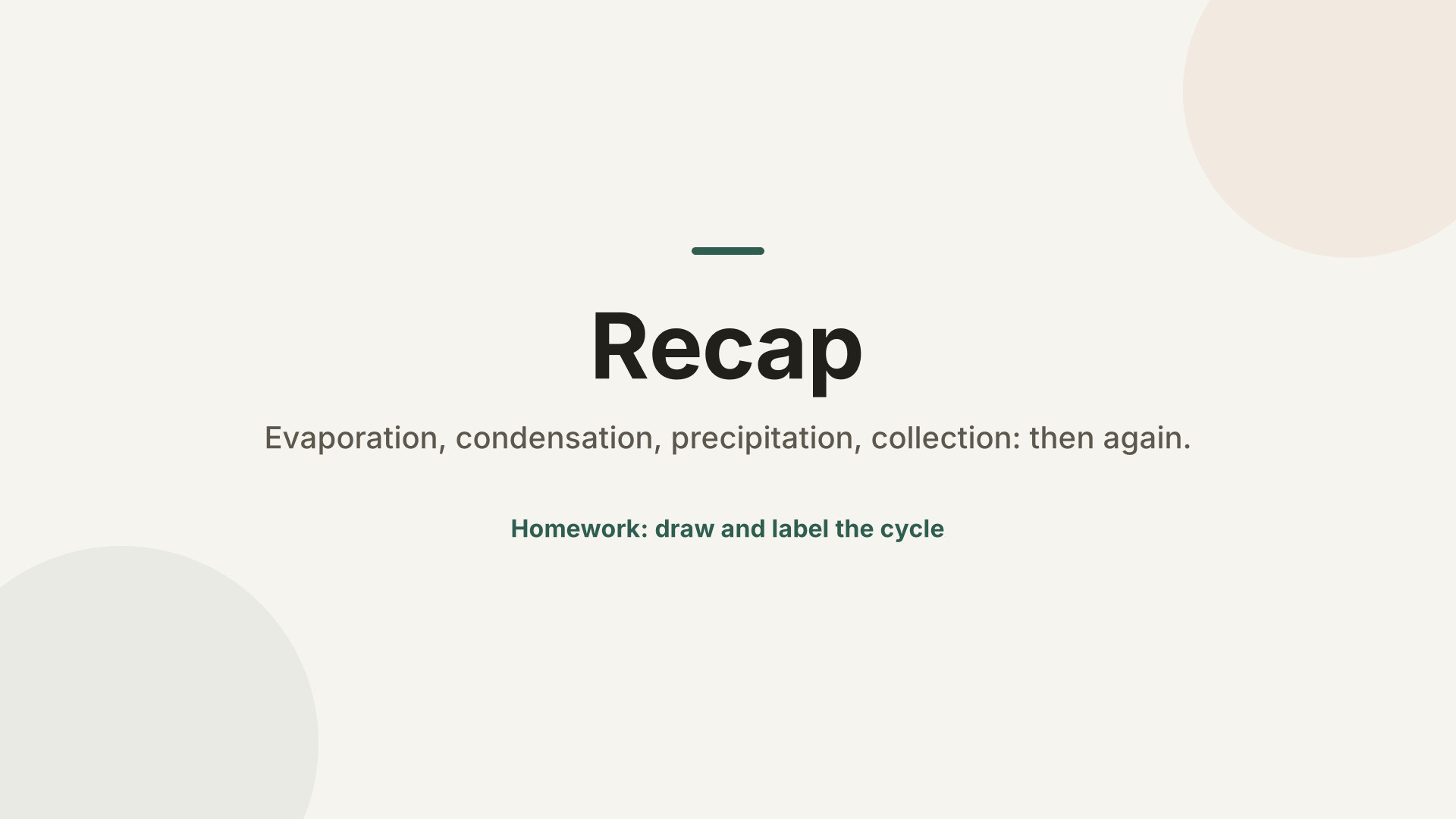 7. Recap
What’s inside
7 slides in the Paper theme, each with speaker notes. Example names and figures are placeholders: replace them with your own.
- The water cycle Title
- Today we will Agenda
- Four stages Process
- What drives it Image left
- Thousands have lived without love, not one without water. Quote
- Quick check Bullets
- Recap Closing
When to use it
For a single lesson of 30 to 60 minutes where you introduce a concept, explain how it works, check understanding and recap. The example teaches the water cycle, but the shape suits most science, geography and history topics, and many skills lessons. For a lesson that is mostly practice, keep the objectives and the quick check and replace the middle with worked examples.
Making it yours, slide by slide
- Title. The topic as students would say it, and the question the lesson answers.
- Today we will. Two or three objectives that start with a verb students can do: describe, explain, compare. You can come back to this slide at the end.
- Four stages. The process layout numbers each step. Keep each step to a word or two plus one short line; you add the detail as you talk.
- What drives it. A diagram or photo on the left does more than any bullet. Add a picture description so the slide works for every student.
- Quote. Use a line that opens discussion, or replace it with a question for the class.
- Quick check. Three questions that test the objectives, not trivia. Students answer on paper or mini whiteboards before you reveal answers.
- Recap. Restate the objectives as statements students can now make.
Common mistakes
- Putting the whole explanation on the slides. Students read ahead and stop listening; keep detail in the speaker notes.
- Small text. Classroom screens are far from the back row, which is why the layouts use large type.
- Skipping the check. It’s the one slide that tells you whether to move on.
How long it runs
Seven slides with talking time and a short activity fill about 30 minutes. For a longer lesson, add a worked example after the process slide and a practice task before the check.
Two ways to use it
- Edit it directly. Open it in the studio and change the words, pictures and chart values in the side panel.
- Have your AI write your version. Copy the prompt below into ChatGPT, Claude or Gemini, fill in your topic, and paste the answer into the studio. You’ll get the same structure with your content.
Create a lesson or lecture about: a lesson presentation about [your topic], following this outline: The water cycle; Today we will; Four stages; What drives it; Thousands have lived without love, not one without water.; Quick check; Recap

Details:
- Audience: a general audience
- Number of slides: 7
- Tone: professional

[…then the reply format and rules the studio reads. The button copies them too.]
What the format and rules part says, and why: the full prompt, explained.
Free to use for school, personal and commercial presentations. Present it full screen for free; with Pro, use your phone as the remote and download it as a PDF.
Questions
Can I use it for subjects other than science?
Yes. The structure (objectives, explanation, example, check, recap) suits most subjects. Ask your assistant for your topic using the template’s prompt.
Where do I put answers to the quick check?
In the speaker notes of the quick check slide, so they show in presenter view and on your phone but not on the screen.
Can I add a video?
Slides can’t play videos. Open the video in another tab and switch to it, then come back to the presentation.
Last updated .