School project template
A student presentation: the question, research, findings with a chart, and what you learned.

Every slide in this template
- 1. Do plants grow faster with music?
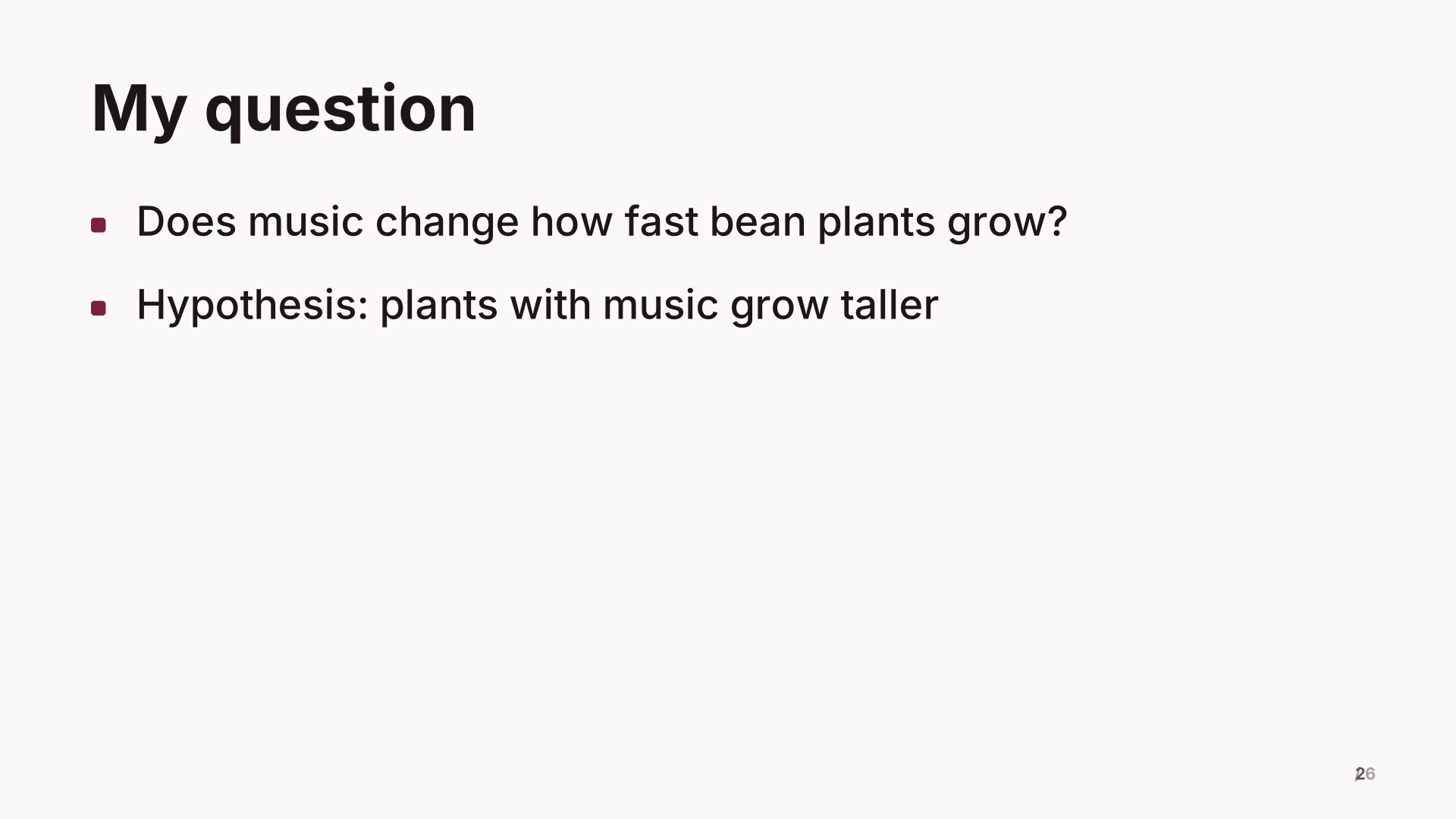 2. My question
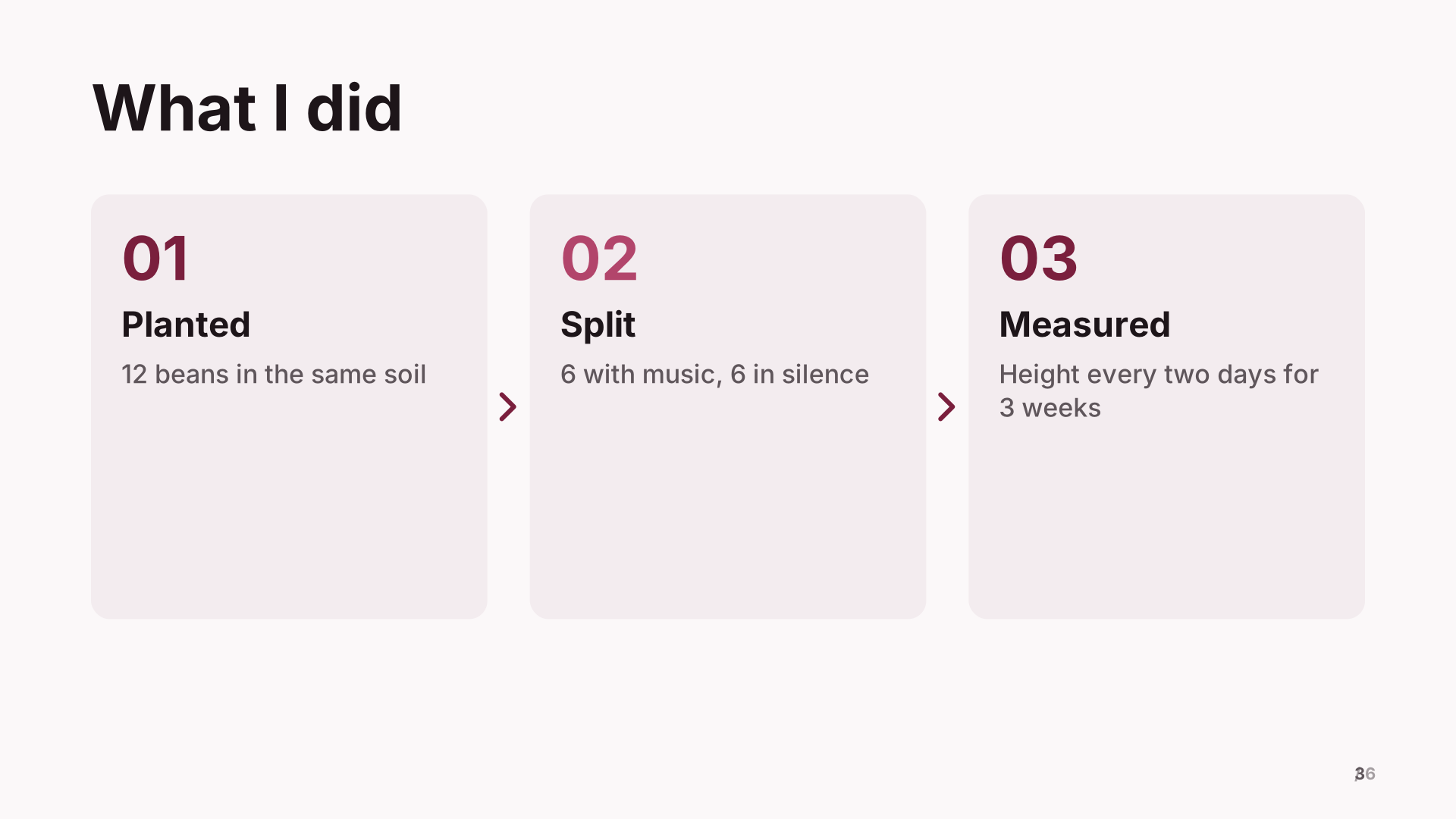 3. What I did
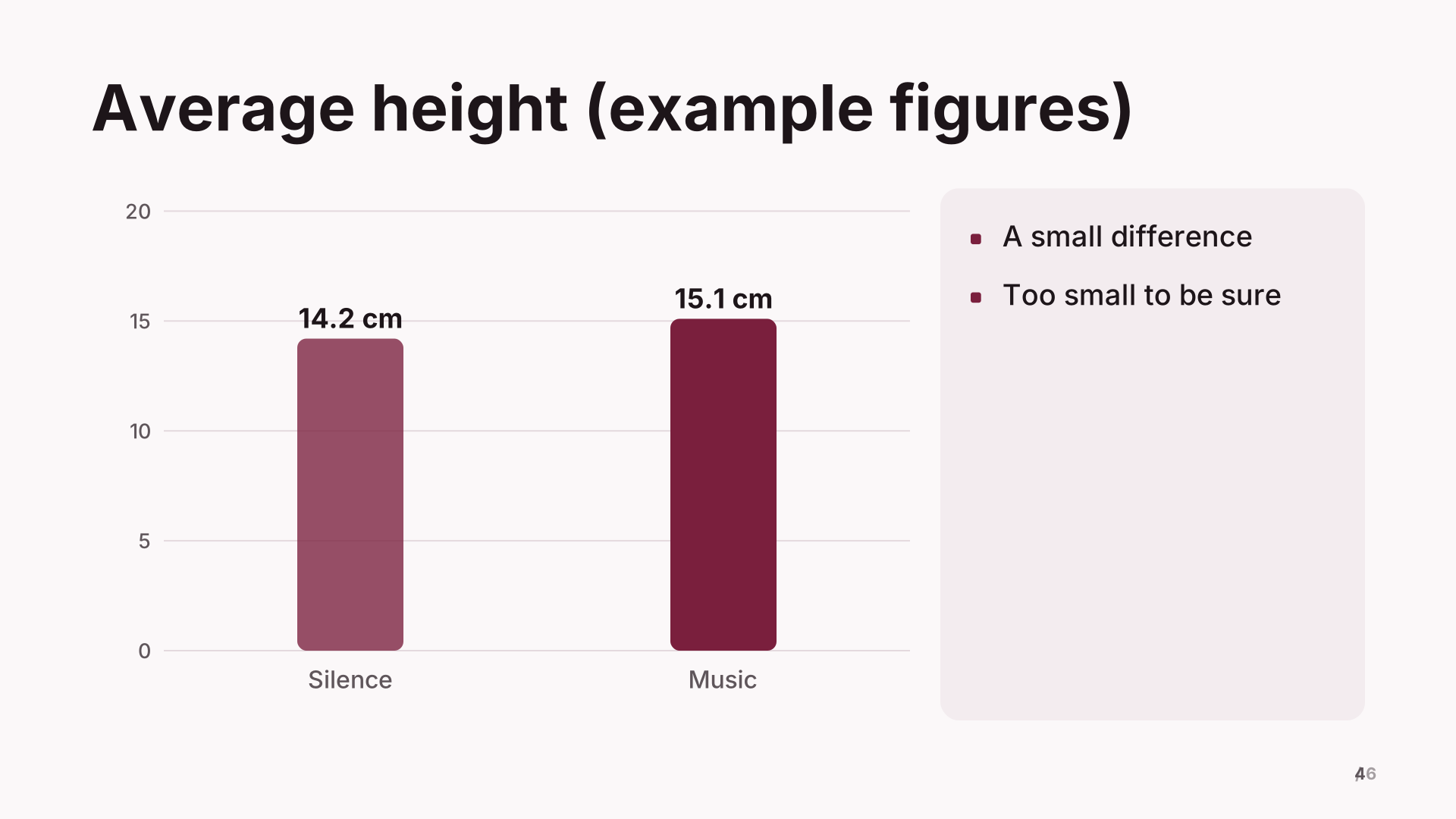 4. Average height (example figures)
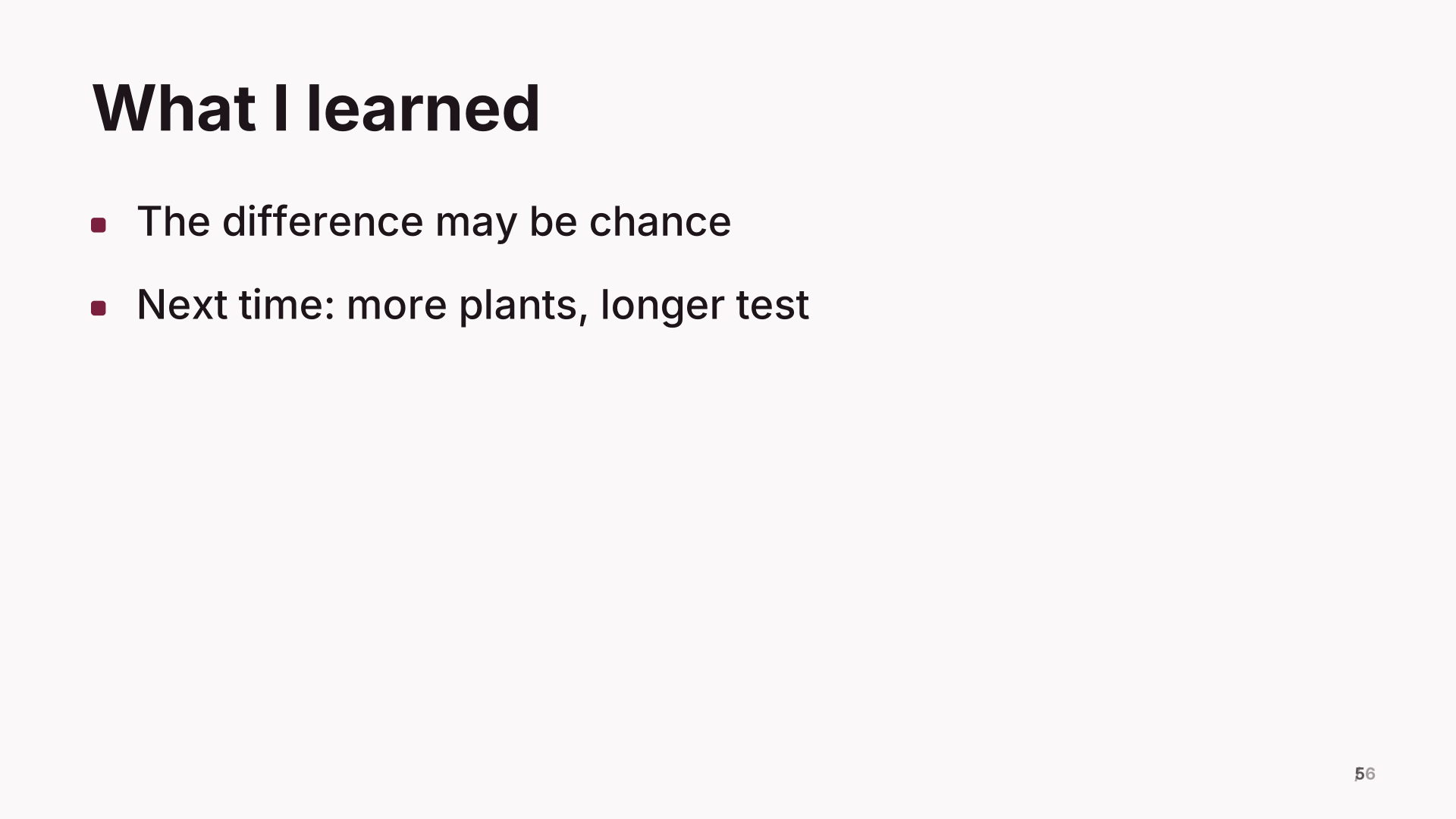 5. What I learned
 6. Thank you
What’s inside
6 slides in the Wine theme, each with speaker notes. Example names and figures are placeholders: replace them with your own.
- Do plants grow faster with music? Title
- My question Bullets
- What I did Process
- Average height (example figures) Chart
- What I learned Bullets
- Thank you Closing
When to use it
For a science fair, a class project or any assignment where you ask a question, find out the answer and share what you learned. The example is an experiment about plants and music, but the same order works for a research project: the question, how you found out, what you found and what it means.
Making it yours, slide by slide
- Title. Your question, written as a question. It makes people curious.
- My question. Why you chose it and what you guessed would happen (your hypothesis).
- What I did. Your method in three or four steps. Someone should be able to repeat it.
- The chart. Your real results. Replace the example figures with your measurements, label the units, and say how many times you measured.
- What I learned. Whether your guess was right, one thing that surprised you, and what you would change next time.
- Thank you. Add anyone who helped and where you found your sources.
Common mistakes
- Reading every word off the slides. Put your words in the speaker notes and look at your audience.
- A chart with no labels. Teachers and judges look for units and a title.
- Saying your experiment “proved” something from a few tries. Say what your results suggest.
How long it runs
Six slides fit a three to five minute presentation. Practise with the presentation timer so you finish on time.
Two ways to use it
- Edit it directly. Open it in the studio and change the words, pictures and chart values in the side panel.
- Have your AI write your version. Copy the prompt below into ChatGPT, Claude or Gemini, fill in your topic, and paste the answer into the studio. You’ll get the same structure with your content.
Create a school project about: a school project about [your topic], following this outline: Do plants grow faster with music?; My question; What I did; Average height (example figures); What I learned; Thank you

Details:
- Audience: a general audience
- Number of slides: 6
- Tone: professional

[…then the reply format and rules the studio reads. The button copies them too.]
What the format and rules part says, and why: the full prompt, explained.
Free to use for school, personal and commercial presentations. Present it full screen for free; with Pro, use your phone as the remote and download it as a PDF.
Questions
Is it OK to use a template for school?
Usually yes: a template gives the order, and the question, research and findings are yours. Check your teacher’s rules on AI.
How do I make the chart with my results?
Click the chart slide and type your measurements into the values in the side panel. Label the units in the title.
Can I present from home on a video call?
Yes. Share the presentation window in the call, or share your screen while presenting full screen.
Last updated .