Free presentation templates
Each template is a real deck with speaker notes. Open it in the studio, change the words, or use its prompt to have your AI write your version.
 Startup pitch deckThe slides investors expect: problem, solution, market, traction, model, team and the ask.
 Lesson presentationA classroom lesson: objectives, key ideas, a worked example, a quick check and a recap.
 Project status updateA weekly or monthly update: status at a glance, progress, risks, decisions needed and next steps.
 Product launchIntroduce a new product: the why, what it does, who it is for, pricing and the launch plan.
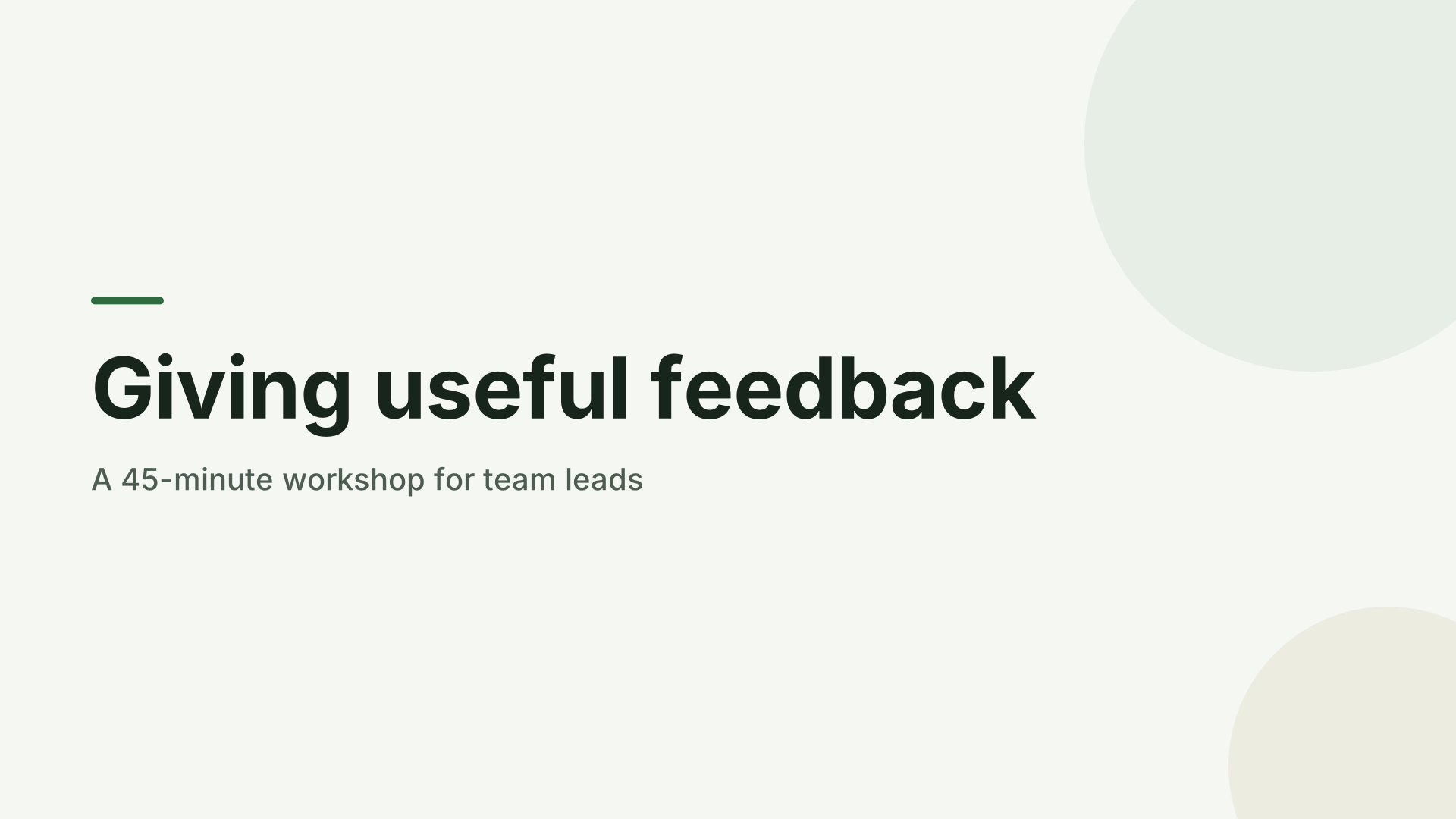 Training workshopRun a workshop or onboarding session: goals, how it works, a practice exercise and takeaways.
 School projectA student presentation: the question, research, findings with a chart, and what you learned.
Two ways to use a template
Open it in the studio and change the words, pictures and chart values directly; or copy its prompt, add your topic and facts, and let your assistant write your version in the same structure. Either way you start from a deck that already works, with speaker notes on every slide.
Before you present a template
Example names and figures are placeholders. Slides with example figures say so in their titles, so search your deck for “example” and for “[” before you present or share it.
Also see: AI makers · Prompts · Uses · Presenting · How-to · Compare