For corporate event and AV producers

Confidence monitors and prompters, from any laptop.

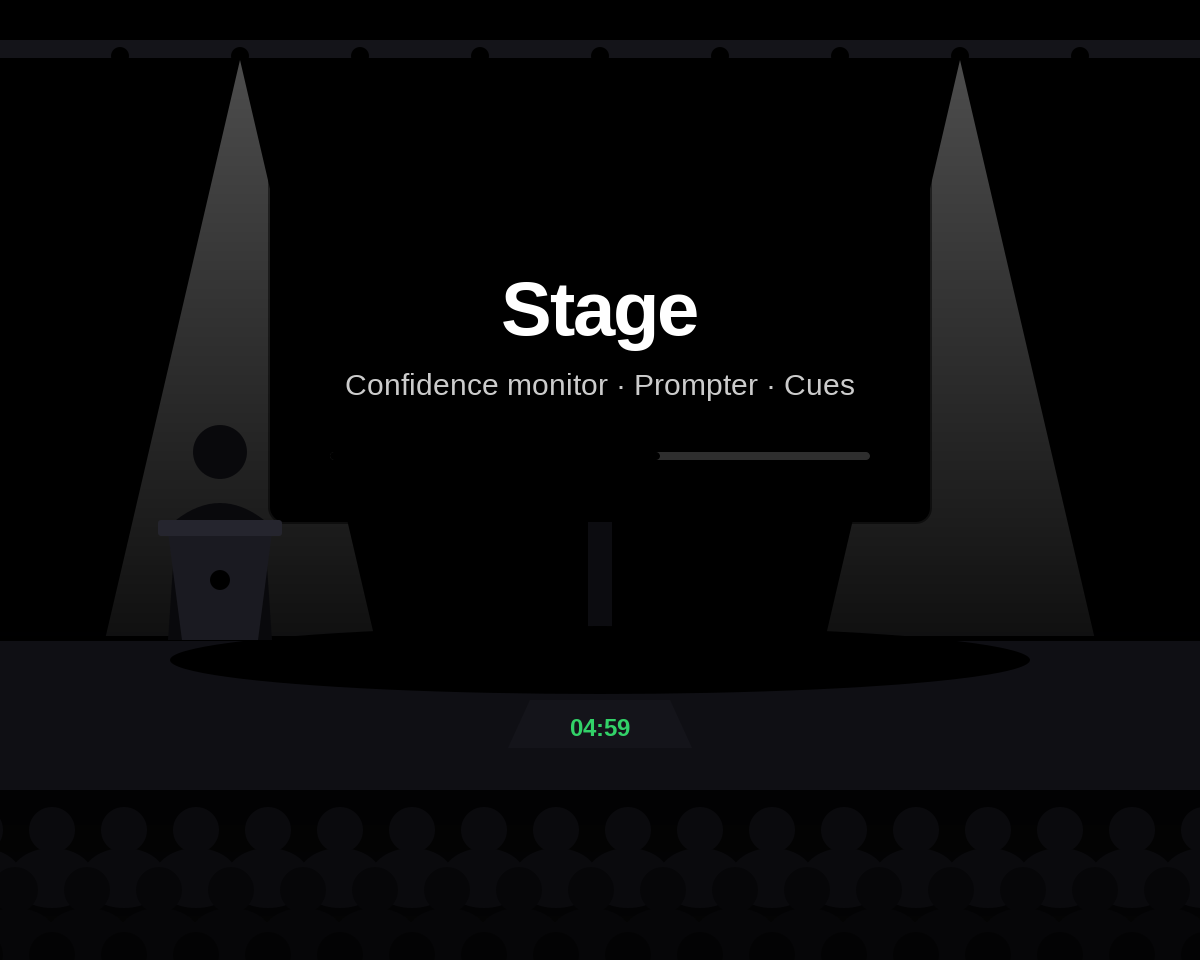
You already run the town halls, kickoffs and keynotes. PresenterCue turns any laptop, monitor or tablet into a confidence monitor or teleprompter, and lets your production desk send cues to the speaker. It runs in the browser, so there’s no software to install on the client’s machines.

  1. Open PresenterCue on the stage screens
  2. Pair them from the production desk
  3. Run the show and cue the speakers
See what you can run

Runs beside the tools your events already use. Not affiliated with the companies named.

Every screen on stage, run from one desk.

Pair each downstage monitor, lectern screen or teleprompter rig with the production desk. Pick a view for each one: the full scrolling script, a confidence monitor with the current and next slide, or a simple countdown.

Cues go to the speaker who needs them: a walk-on, a time check, a reminder to repeat the question for the stream.

Partner with us and offer it to your clients.

Add PresenterCue to your event packages as part of your speaker support. Your clients’ comms teams get a speechwriter view and live cues; your crew keeps control of the show.

Partners get a discount on every plan they buy for clients. Email us to join the partner program.

See pricing →

What producers run with PresenterCue

On stage, on camera and online.

FAQs

For AV companies, event agencies and in-house production teams.

Does it replace our existing prompter software?

It can, or it can sit alongside it. Many crews keep their hardware prompter for broadcast work and use PresenterCue for confidence monitors, speechwriter control and remote speakers.

What do we need on stage?

A laptop or small computer with a browser for each screen, connected to your monitors. PresenterCue runs in the browser, so there’s nothing to install.

Can the client’s speechwriter control the script?

Yes, if you want them to. You can give the client’s comms team a speechwriter view with live cues, while your crew keeps control of the show and the timers.

How does the partner program work?

You add PresenterCue to your event packages for clients and get a partner discount on every event pass or plan you buy. Email us to get the details.

Add live cues to your next show.

Try it at your next rehearsal. An event pass is $29 for 14 days, with every feature.

Start free See pricing
Stage

Confidence monitors

For producers

Confidence monitors

Turn any downstage monitor into a confidence monitor with the current and next slide, short notes and a countdown.

Hardware
Any monitor plus a laptop
Shows
Slides, notes, timer
Control
From the production desk

What you get

  • Current and next slide
  • Short speaker notes
  • Countdown and overtime warning
  • Cues from the desk
Stage

Lectern prompters

For producers

Lectern prompters

Scroll the full script on a lectern screen or presidential-style glass, at the speaker’s pace.

Hardware
Lectern screen or glass rig
Shows
Scrolling script
Control
Operator at the desk

What you get

  • Operator-paced scrolling
  • Mirror mode for glass
  • Live edits
  • Section markers
Stage

Run of show and timers

For producers

Run of show and timers

Keep the whole program on schedule with a timer for each segment and cues for walk-ons and handoffs.

Covers
The whole program
Shows
Segment timers
Cues
Walk-ons and handoffs

What you get

  • Segment timers
  • Walk-on cues
  • Overtime warnings
  • One view for the whole crew
Camera

Camera teleprompter rigs

For producers

Camera teleprompter rigs

Use PresenterCue as the software on a beam-splitter teleprompter rig for recorded executive messages.

Hardware
Beam-splitter rig plus a tablet or laptop
Shows
Mirrored script
Control
Operator laptop

What you get

  • Mirror mode
  • Large, adjustable text
  • Remote pace control
  • Edits between takes
Online

Hybrid events

For producers

Hybrid events

One script for the speaker on stage, with reminders for the remote audience: repeat the question, look at camera two.

Audience
In the room and online
Shows
Script plus stream cues
Works with
Any streaming setup

What you get

  • Reminders for the stream
  • Camera cues
  • Remote Q&A passed in
  • Same desk for both
Online

Virtual broadcasts

For producers

Virtual broadcasts

Remote speakers read from a small window under their webcam, and your desk drives the script for each of them.

Speakers
Anywhere
Shows
Script under the webcam
Control
From your desk

What you get

  • Script under the lens
  • One desk, many remote speakers
  • No install for speakers
  • Cues to each speaker

Share this page

Send this page to whoever runs your town halls, earnings calls or events.